
How to Delete an Account
Deleting Your Account
- To delete an account, click on the Vertical Ellipsis (three dots) in the top right navigation to access your Account Settings and additional tools.

- From the Account Page, click on Delete My Account.

-
You will be prompted to Enter your Password in order to delete your account. Enter your password and tap Confirm.
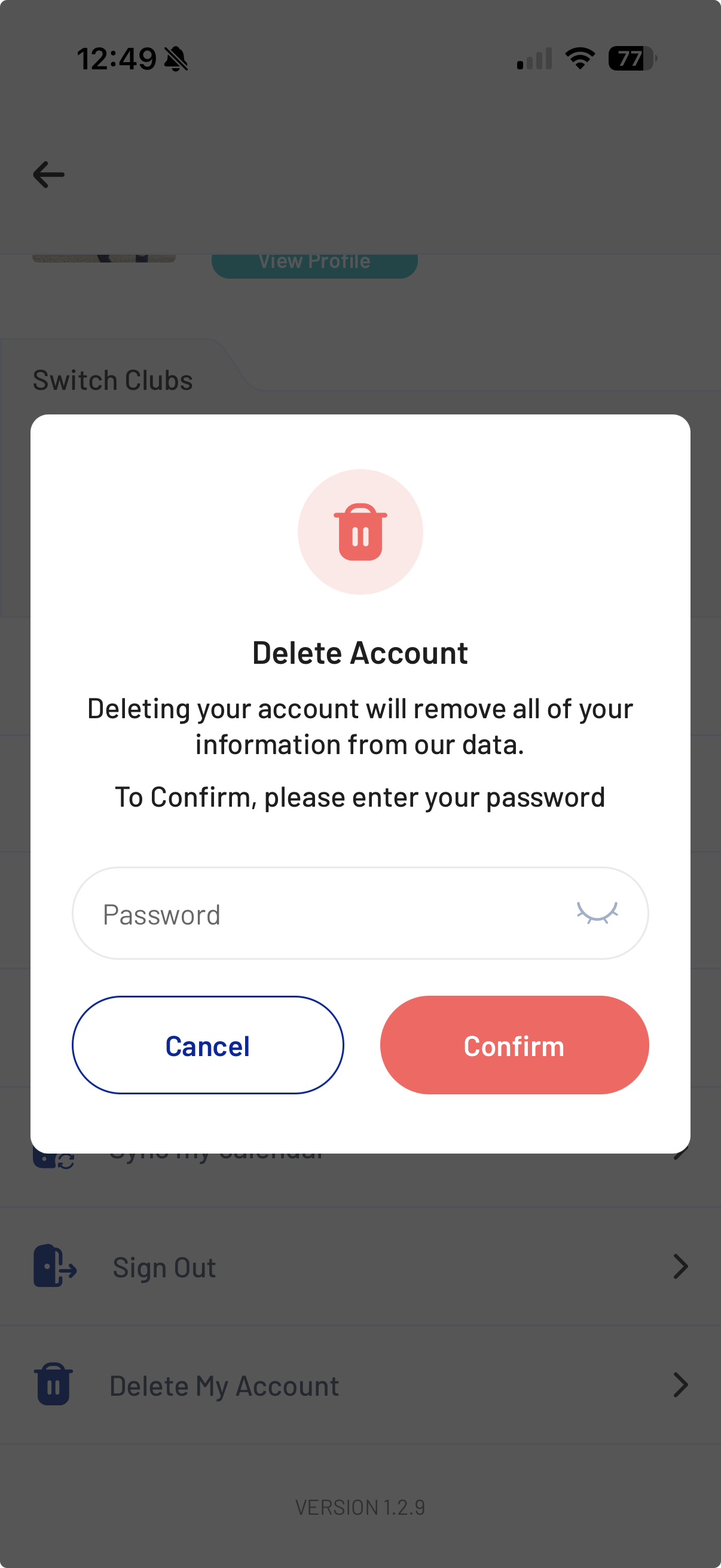
- Your account is now deleted. Please note that deleting your account will remove all your information from the City SC 360 platform. Once you've deleted the account, you will no longer have access to the City SC 360 mobile app, nor will City SC have your data on file.
