
How to Sign Out of your Account
Logging out of Your Account
- To Sign Out of your account, click on the Vertical Ellipsis (three dots) in the top right navigation to access your Account Settings and additional tools.

- From the Account Page, click on Sign Out.

-
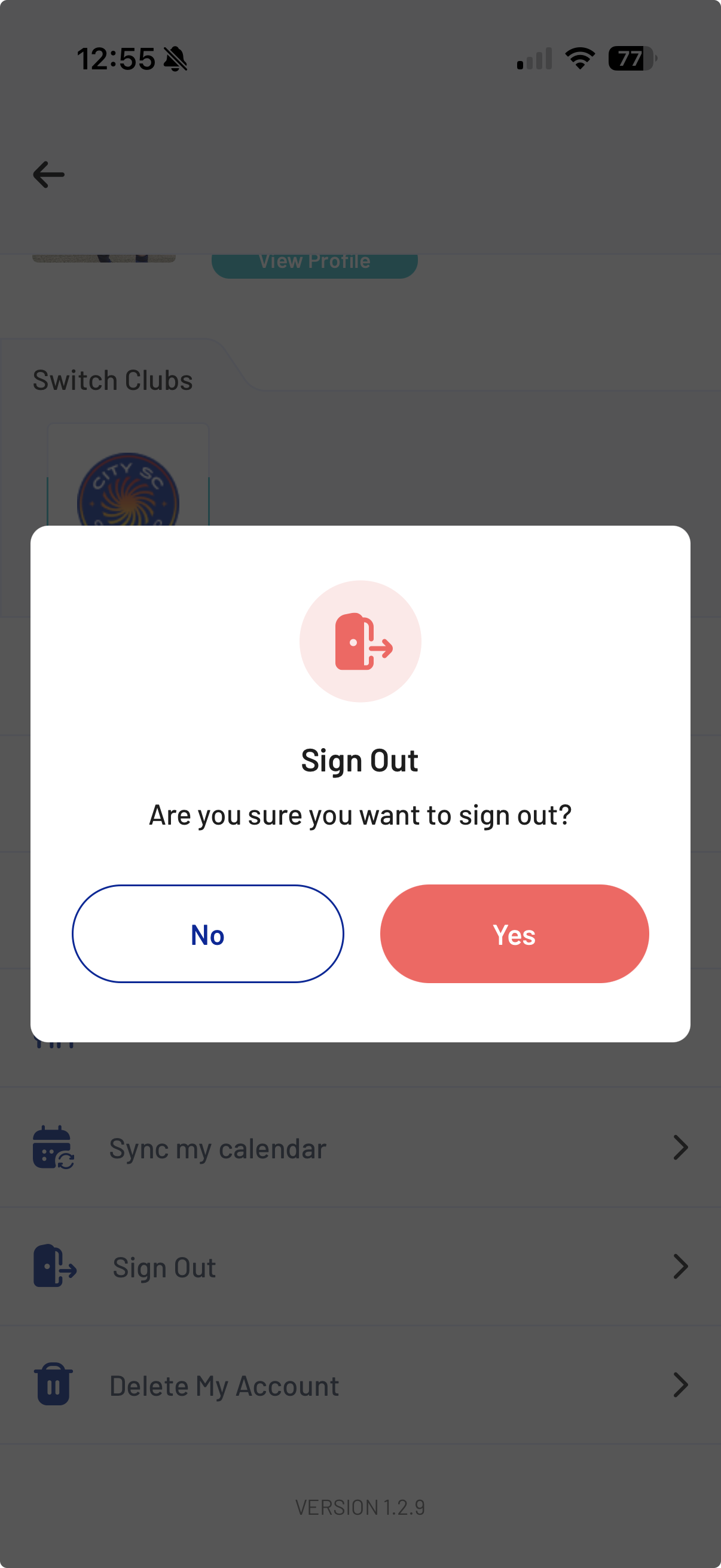
You will be asked if you are sure you want to Sign Out. Tap on Yes.
- You are now Signed Out of your City SC 360 mobile app account.
